강의 자료
로그인 후 댓글을 작성할 수 있습니다.
라이브정보
방송일
2020년 08월 01일 (7회)
조회수
2,014회
강의시간
1시간 12분
보충자료
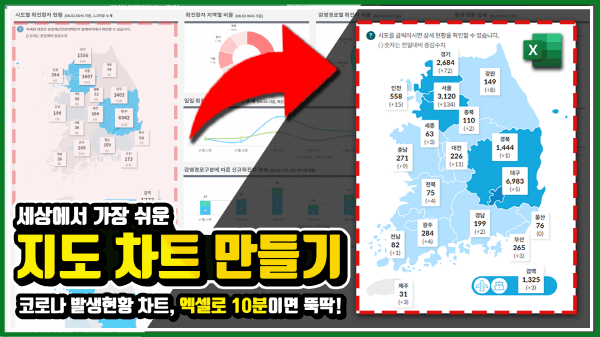
📑 연결된 이미지 생성하는 매크로
Sub CreateLinkedImage()

Dim rng As Range
Dim ws As Worksheet
Dim sFormula As String
Dim pic As Shape

Application.ScreenUpdating = False
Application.Calculation = xlCalculationManual

Set ws = ActiveSheet
Set rng = ws.Range("B2").CurrentRegion '<- 연결된 이미지를 생성할 데이터가 시작되는 셀 주소를 입력하세요

With ws
For i = rng.Column To rng.Column + rng.Columns.Count - 1
.Range(.Cells(rng.Row, i), .Cells(rng.Row + rng.Rows.Count - 1, i)).Copy
.Cells(rng.Row + rng.Rows.Count + 1, i).Select
.Pictures.Paste link:=True
Next

For Each pic In ws.Shapes
sFormula = pic.DrawingObject.Formula
.Pictures(pic.Name).Formula = "='" & ws.Name & "'!" & Trim(sFormula)
Next
End With

Application.Calculation = xlCalculationAutomatic
Application.ScreenUpdating = True

End Sub

스크립트는 로그인 후 이용할 수 있습니다.
로그인![[공지] 오빠두에듀 프리랜서 보조 강사 모집](https://www.oppadu.com/wp-content/uploads/2026/08/0822-프리랜서-보조강사-모집.png)
![[직원 채용] 오빠두엑셀이 정규직 동료를 모십니다](https://www.oppadu.com/wp-content/uploads/2026/08/직원-채용-1_R.png)
![[도구 업데이트] 움직이는 이모지 + 사전 업데이트](https://www.oppadu.com/wp-content/uploads/2026/09/이모지-사전-런칭.png)
![[도구 업데이트] 투명 인감 도장 PNG를 만들어보세요!](https://www.oppadu.com/wp-content/uploads/2026/09/투명-도장-생성기-안내.png)